Speed Programming
Final Boss Golf treats three-putts as a distance-control failure, not a “feel problem.” Feel is an uncalibrated variable that shifts under pressure, fatigue, and adrenaline. Speed programming replaces it with repeatable stroke lengths and constant tempo.
The Manual Override Failure
The common speed crash happens when distance is controlled at the collision zone.
- short backswing + sudden punch forward = face instability
- long backswing + tentative deceleration = wobble and leave it short
Any attempt to “hit” the putt at impact breaks the planar pendulum. Speed should be a byproduct of stroke length and tempo, not a last-second shove.
Speed Programming: Distance Control Calibration
Putting reduces to a simple equation: Start Line + Speed = Cup. The Planar Pendulum protects your start line, but your ability to eliminate three-putts relies entirely on your speed control.
Distance control is not a mystical "feel" you are either born with or you aren't. It is a mathematical output. You must build a highly calibrated, repeatable energy-transfer system so your ball finishes perfectly at the hole—or about 12 inches past it—every single time.
Here is the exact step-by-step calibration protocol to map your speed programming engine, structured with visual asset prompts for your Docusaurus site layout.
Step 1: Diagnosing the Velocity Failure
Before you build the system, you must understand why distance control fails. It almost always stems from changing your force application at the exact moment of impact.
- The Mechanic: When you lack a reliable system, anxiety takes over. You either forcefully "punch" or "jab" the putter into the back of the ball for power, or you panic and artificially decelerate the clubhead before contact.
- The Output: Energy transfer becomes completely chaotic. A short stroke might blast the ball 15 feet past the hole, while a long, decelerating stroke comes up 10 feet short.
Step 2: The Tempo Constant
To make distance predictable, you must freeze one of the main variables: your rhythm.
- The Mechanic: Establish a completely uniform baseline tempo for your putting stroke. The rhythm of your stroke (the time it takes to go back and come through) must remain exactly the same whether you are facing a 5-foot putt or a 50-foot putt.
- The Output: By locking your tempo into a constant "tick-tock" rhythm, the only variable you ever need to change to hit the ball farther is the length of your backswing.

Step 3: Programming the Core System Levels
Rather than guessing how far back to pull the putter, you must map specific spatial coordinates.
- The Mechanic: Lock your upper triangle and quiet your chassis. Use the width of your stance as a physical ruler to program three specific backswing lengths.
- Level 1: The putter head travels back to the inside of your trail ankle.
- Level 2: The putter head travels back to the outside of your trail toe.
- Level 3: The putter head travels back well past your trail foot (wide-and-through).

Step 4: Green Speed Mapping
Every golf course plays at a different speed. You must calibrate your three Core Levels to the environment before you ever step onto the first tee.
- The Mechanic: Head to the practice green before your round. Hit three balls strictly using your Level 1 stroke. Walk off the average distance those balls traveled. Repeat for Level 2 and Level 3.
- The Output: You now have a hard mathematical baseline for the day. (e.g., "Today, Level 1 goes 12 feet. Level 2 goes 25 feet. Level 3 goes 40 feet").

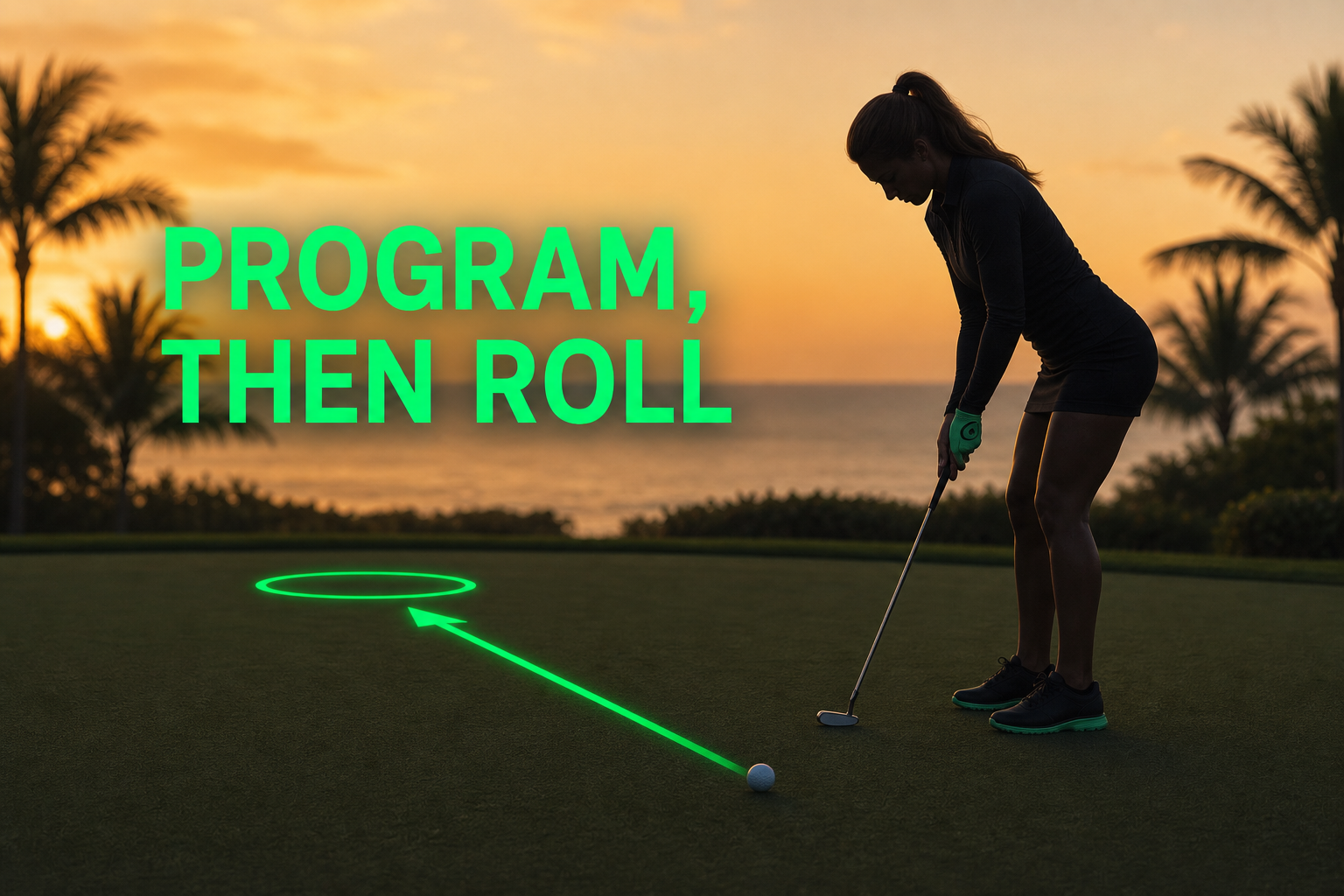
Step 5: Competitive Execution (Program, Then Roll)
Once you map your speeds, you must trust the data on the course.
- The Mechanic: When you face a putt, pace off the distance to the cup. If the cup is 25 feet away, and your Level 2 maps to 25 feet, your decision is already made.
- The Output: Program the Level 2 backswing into your mind. Step up, look at your micro-target, and execute the Level 2 stroke with your constant tempo. Roll with your Speed Programming Level matched exactly to the distance.
Do not look at the hole during the stroke and try to manually calculate speed mid-swing. Program the level behind the ball, step in, and execute the pendulum. If the ball goes too far, your calibration was wrong, but your execution was flawless.
Grooving This Pattern
Grooving this pattern
Speed Programming
Delivery rule
speed comes from stroke length and constant tempo — never from impact manipulation.
Work through the three steps below in order—don't skip ahead.
1. Learn It
Constant metronome tempo · Level 1 stroke length · no make goal — Speed Programming
Metronome strokes (~76 BPM) — backswing to inside trail ankle, through to inside lead ankle; hold tempo constant
speed comes from stroke length and constant tempo — never from impact manipulation. — map geometry at checkpoints; no rush. After each rep: No punch or decel at impact; planar pendulum stays intact
2. Prove It
Same tempo · Levels 1–3 · ball on
add a ball while keeping constant pendulum tempo; Map 10 reps each at Level 1, 2, and 3 on the practice green — record average distance per level.
Map 10 reps each at Level 1, 2, and 3 on the practice green — record average distance per level (8 of 10 reps)
The Planar Pendulum calibration if tempo breaks down under longer arcs
3. Play It
Same tempo · full read and break · game speed
game speed, new target/club/lie (or distance and break on putting), and the full Pre-Shot Loop when ready.
Call Level 1, 2, or 3 before each putt; finish every putt 12 inches past the hole—not a body-part checklist
After a leave short or blow past, reset with Level 1 metronome reps before changing levels
If distance scatter widens at Play It, tempo drifted — not green speed. Lock the metronome before expanding arc length.
The Cheatcode for your Game